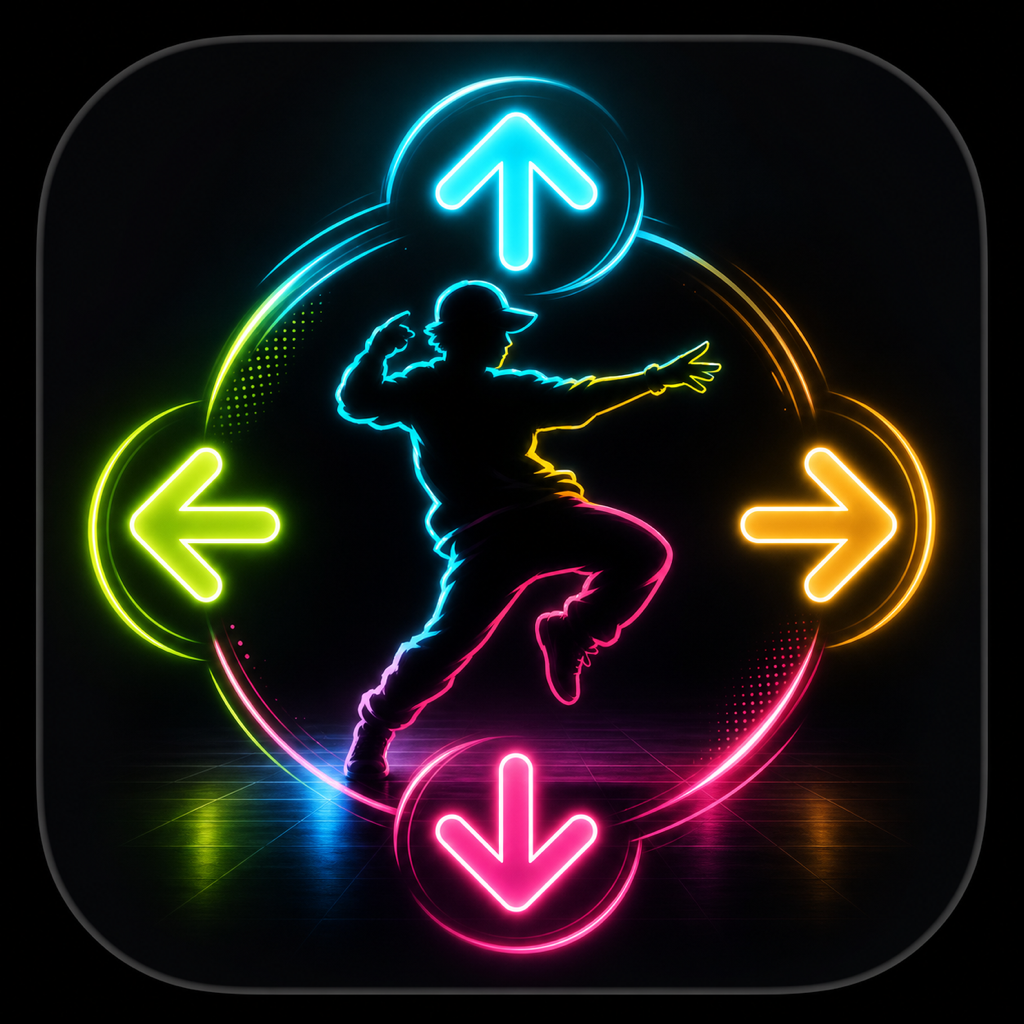
Write it. Hit it. Remix it.
Build a four-move phrase, pick 80, 100 or 120 BPM, and tap each direction as its arrow reaches the mint strike line.
A little help. A lot more rhythm. Find your way around the dance floor, keep your moves flowing, and get back to your next great set.
Pick a mode. Make it your own.
Build a four-move phrase, pick 80, 100 or 120 BPM, and tap each direction as its arrow reaches the mint strike line.
Hold up to two tiles before a spin, then shift a row. Connect matching symbols and build cascades to open an Encore.
Enter CHOREO from the home screen. Create, replay and save your own choreography, then revisit it in your Dance Book.
A few useful things to know before you get back on the floor.
Choose Phrase Riot on the home screen. Tap four direction pads to write a phrase, choose a tempo, then follow the arrows. For free choreography, open CHOREO from the home screen. The in-app Playbook explains the modes in more detail.
Yes. The game works offline and does not require an account. If an Airwaves announcement service is enabled, it can download announcements over HTTPS. Your mixtapes and scores are not uploaded by that feature.
Dance cards, mixtapes, scores, crew unlocks, reward progress and preferences are saved on your device. Device backups may include these records. This version does not offer an in-app account or cloud-sync service.
For KICKSTATIC modes, open the Control Room and choose Reset Local Progress. For the choreography studio, open Settings and choose Clear Dance Records. The two collections use separate saves, so resetting one does not clear the other. These actions delete the selected local records; only confirm when you are ready.
Open the Control Room to toggle sound effects, haptic feedback and show effects. You can also switch the new modes between English and Simplified Chinese. Choreography settings include a separate haptic feedback control.
Open a saved dance or mixtape and use its sharing control. Choose a destination in the system share sheet. Share only what you want the recipient to receive; the destination app handles the information under its own policies.
No. Hype and Pins are entertainment points earned through play. They cannot be purchased or exchanged for money or prizes outside the game. There is no real-money wagering or cash-out.
Close and reopen the app, then check for an app update. If the issue continues, email us with your device model, iOS version, app version and the steps that reproduce it. Avoid deleting the app as a first troubleshooting step: your saved progress is local and may be lost.
No matching questions. Try a different word, or contact us.
Tell us what happened. Include your device model, iOS version, app version and the steps to reproduce the issue so we can take a closer look.